
Is your mobile phone freezing constantly? Are you facing glitches while using your phone? Has your smartphone gotten painfully slow? If you want to refresh your device, you can easily fix this How to Refresh My Phone problem using these simple methods.
Because you are using your mobile phone every day creates bugs, builds up malware, and slows down your software. This ultimately makes your device laggy.
However, there are a few straightforward ways you can boost your phone’s speed.
The Magic One-Click Refresh
Using too many apps at the same time slows down your phone because your RAM cannot function properly. To fix this issue, simply Restart or Reboot your phone.
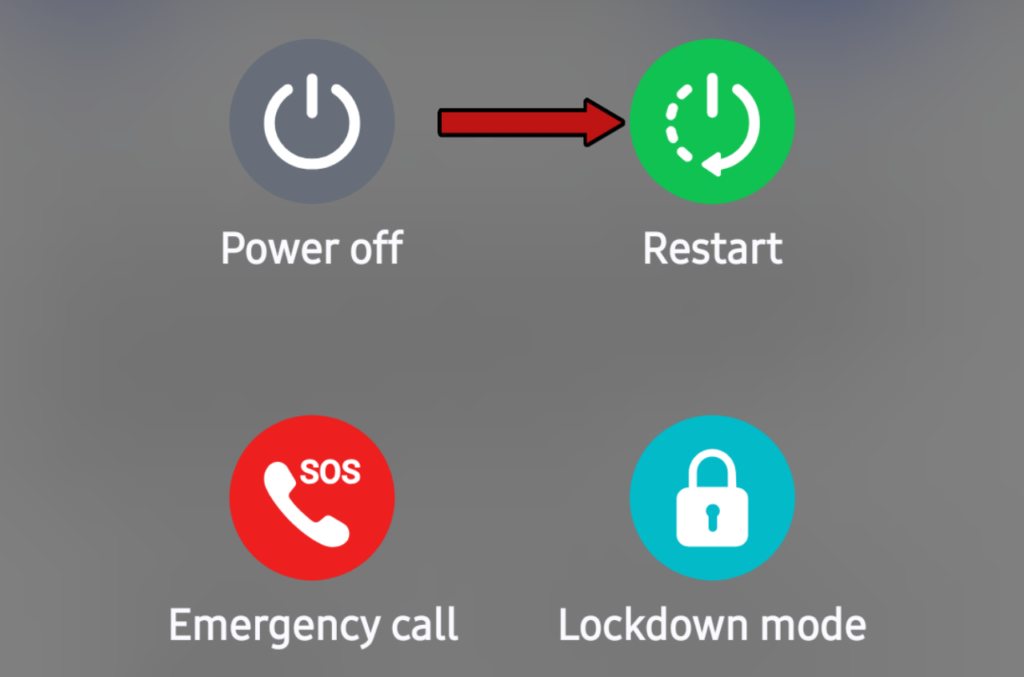
- Press and hold the Power button for a few seconds.
- You will see two options: Power off and Restart.
- Click on Restart.
Doing this turns your phone off and powers it back on after a few seconds, giving your device a fresh restart.
Close Unnecessary Background Apps
Unnecessary apps running in the background also slow down your phone. To fix this, go to “Recent Apps” and close all of them. Only keep open the specific app you are currently using.
Clear App Cache
Apps you use heavily whether social media platforms or other tools store temporary data. You should clear the cache for these specific apps. Here is how to do it:
- Open your phone’s Settings.
- Search for Application Manager or Apps.
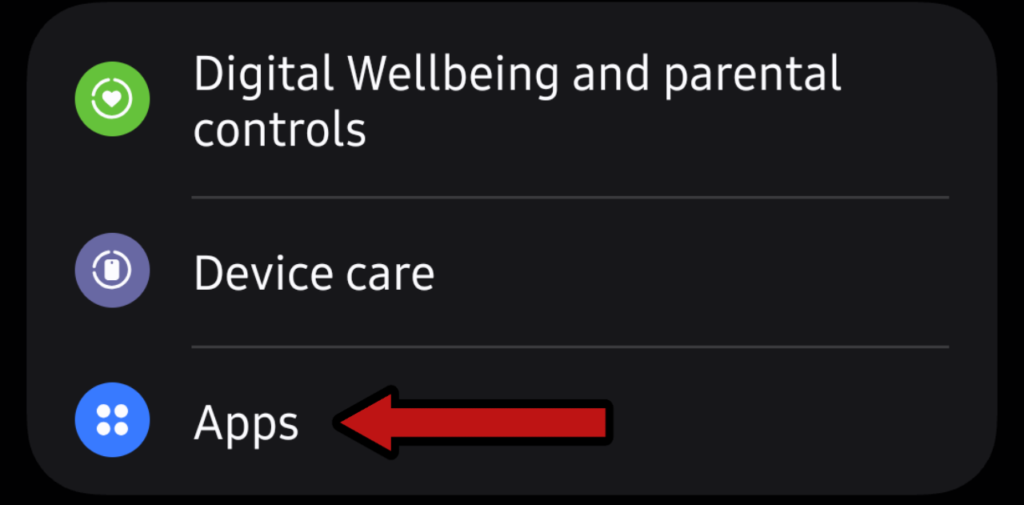
- You will now see a list of all installed apps on your device.
- Select the apps you use most frequently, go to their storage options one by one, and tap Clear Cache.
How to Refresh My Phone Space by Deleting Heavy Files
This is a Important step. This method fixes the issue (how to refresh my Phone) of most mobiles.
Unused apps sitting on your device, along with unwanted photos and videos in your gallery, make your phone lag and run slowly.
Immediately delete all extra apps, photos, and videos you no longer need. Doing this should instantly refresh your phone by more than 80%.
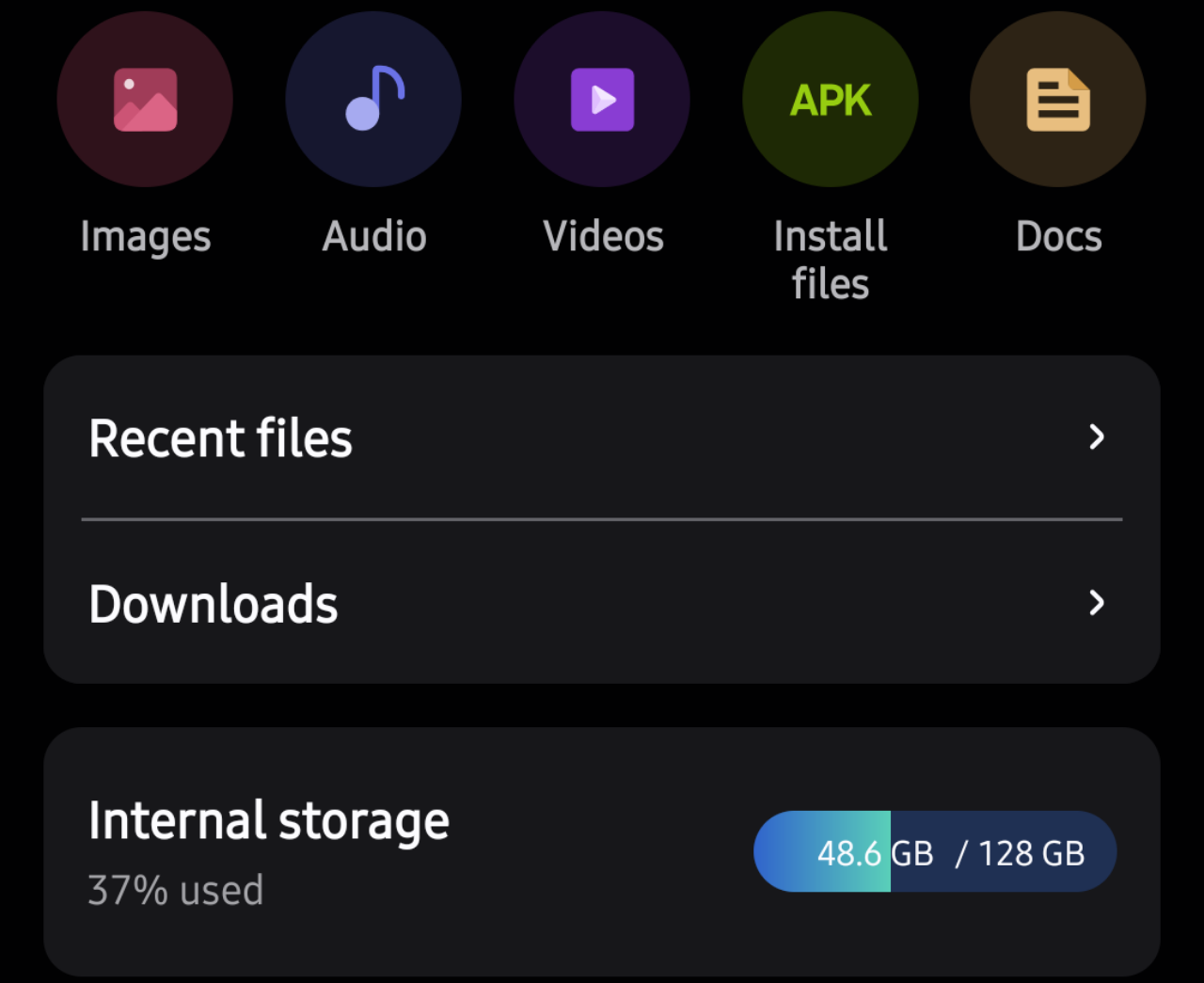
Most people check a phone’s RAM before buying, but they completely ignore whether the Internal Storage type is eMMC or UFS:
What Is The Difference Between eMMc Storage And UFS Storage
- eMMC Storage: This type of storage slows down and freezes your phone once you save a large number of photos or videos.
- UFS Storage: This is high-performance storage. No matter how much media you fill your gallery with, it will not slow down your device.
How To Refresh My Phone Keep Software and Apps Updated
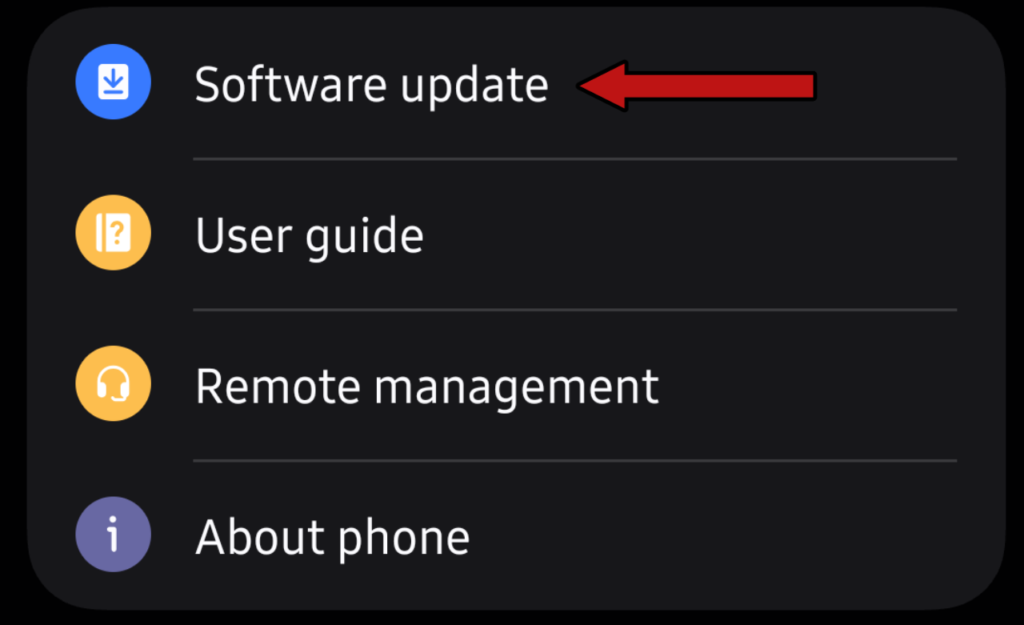
This step is equally important. Many people are unaware of software updates, so make sure to check your phone for any pending updates.
- You can usually find this option by opening Settings and going to About Phone.
- Update your software, and then continue using your mobile smoothly.
Factory Data Reset Completely Clean & Speed Up Your Phone
A Factory Data Reset is your last resort. If you have followed all the steps above and your how to refresh my Phone issue remains unresolved, a factory reset will completely clean and refresh your device.
Before doing this, save all your essential data to another phone, an SD Card, or Google Drive.
- Go to Settings > System > Reset Options > Erase All Data (Factory Reset).
- Wait a few moments, and your phone will feel brand new again.
FAQS
Will refreshing my phone delete my personal data?
If you refresh your mobile phone using methods other than factory data reset, your personal data will not be deleted. Factory data reset deletes all data.
Does clearing background apps really speed up my phone?
Yes, if you clean up the applications running in the background, it will speed up your mobile phone.
What is the difference between clearing cache and clearing data?
Clearing cache removes temporary junk files created by apps, Clearing data, on the other hand, resets the app to its default state, logging you out and deleting saved preferences.
How often should I refresh or restart my phone?
You should turn your mobile phone off and on again at least once a week.
Does using the phone while charging damage the battery?
Yes, if you use your mobile phone heavily while charging, such as using heavy games or any heavy application, your mobile phone can slow down and also damage the battery.