
Social media use has become widespread today, and people often run into various issues while using it. The platform we are talking about today is Instagram. Many people are curious about How Can I See Someone’s Activity on Instagram.
Today, we will share several methods showing how you can view other people’s activity. Although Instagram has rolled out many privacy updates, we will still share the available working methods with you.
How Can I See Someone’s Activity on Instagram via Direct Messages
If you want to check someone’s online activity, Instagram offers a helpful feature. Through DMs, you can figure out whether someone is online or offline.
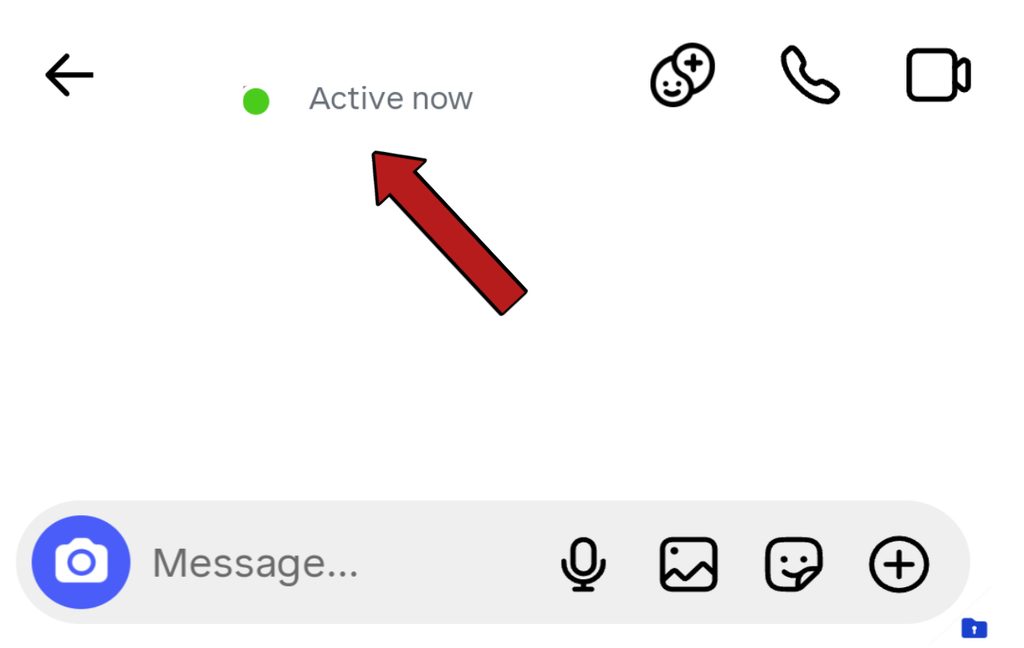
Open the chat of the friend whose status you want to check. Right up top, you will see a green dot, or it will show you how long ago your friend was online.
What Is The Green Dot
The green dot shows that the other person is currently online and using Instagram. Also, one important point is that Instagram’s system works in a way that when someone turns off their data, the green dot might still show for about 5 to 7 minutes because of how Instagram’s software system operates.
Some people get worried or even upset seeing this, thinking the person is online yet ignoring their messages or calls. However, they might not actually be online.
Last Active Timestamp
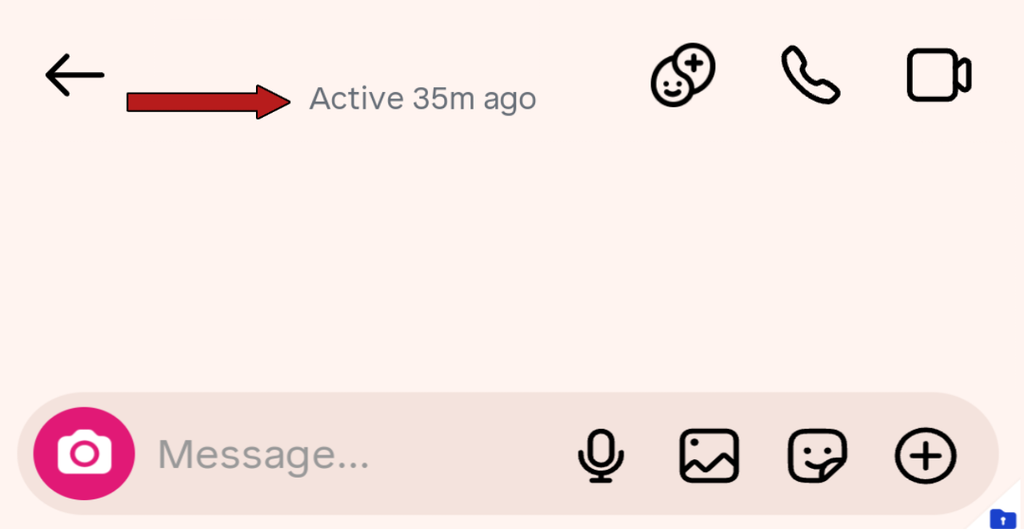
If your friend is not online, Instagram will display a timestamp underneath their profile, such as “Active 2m ago”, “Active 4h ago”, or “Active yesterday”.
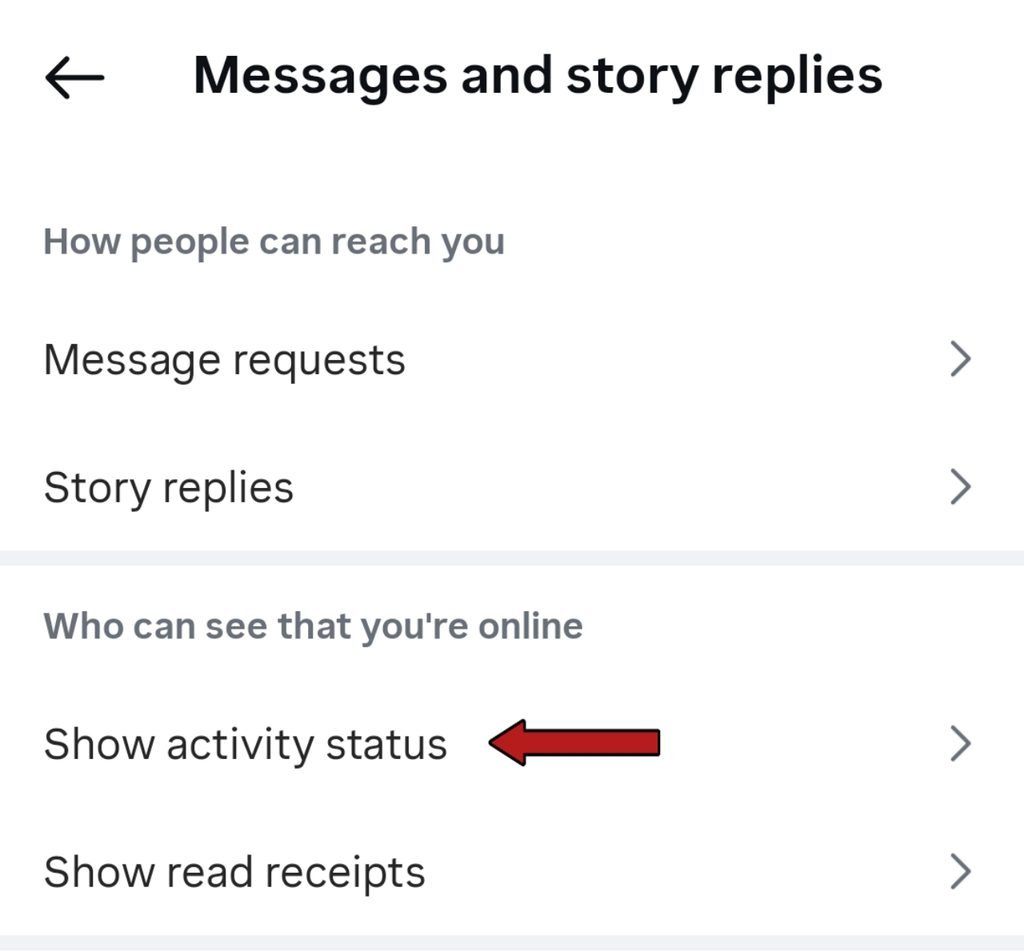
Another important thing is that you can only check activity status if your own “Activity Status” option is turned on as well. Otherwise, nobody can see your status, and you won’t be able to see anyone else’s active status either.
How to Manage and Customize Your Own Instagram Activity Status Settings
If you want to ensure that nobody can see your activity status, you can adjust a few settings on Instagram to make it more private. Just follow these simple steps:
- First, open the Instagram app on your mobile phone and go to your profile tab.
- Tap on the three horizontal lines (menu icon) located in the top right corner.
- Select Settings and privacy from there.
- Scroll down and look for the Messages and story replies or Activity Status section.
- Click on it and toggle off Show Activity Status. This way, your online status won’t be visible to anyone.
Checking Public Engagement: Likes and Comments on Posts
If you want to figure out another user’s activity and see what kind of content they are interacting with, you can observe their public activity.
Public Profiles vs Private Profiles
- Public Profile: If that user’s profile is public, you can visit their profile and view all their activity, including their videos, reels, likes, and comments, which will easily give you an idea of what kind of content they are looking at.
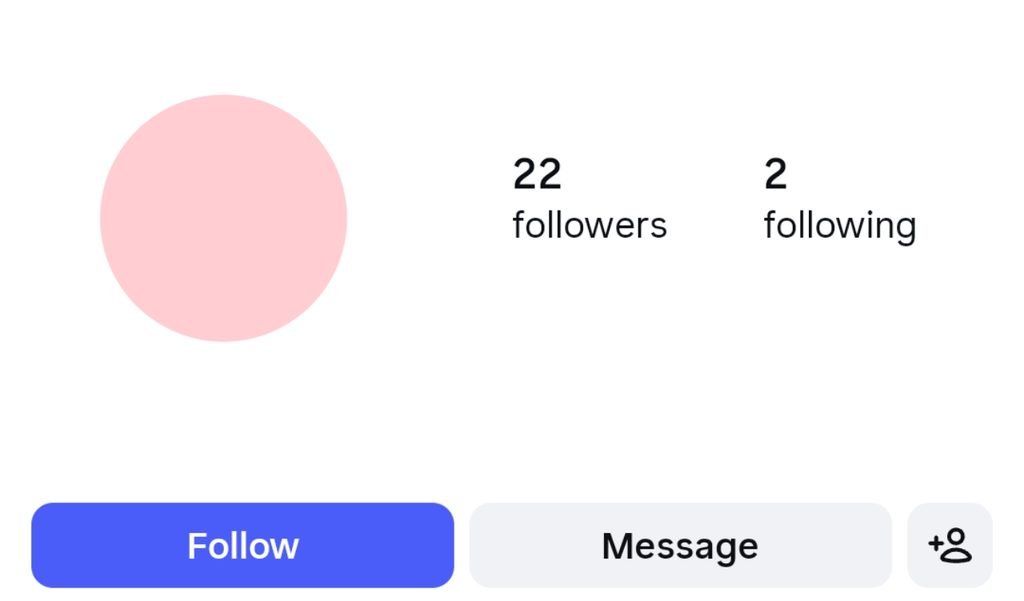
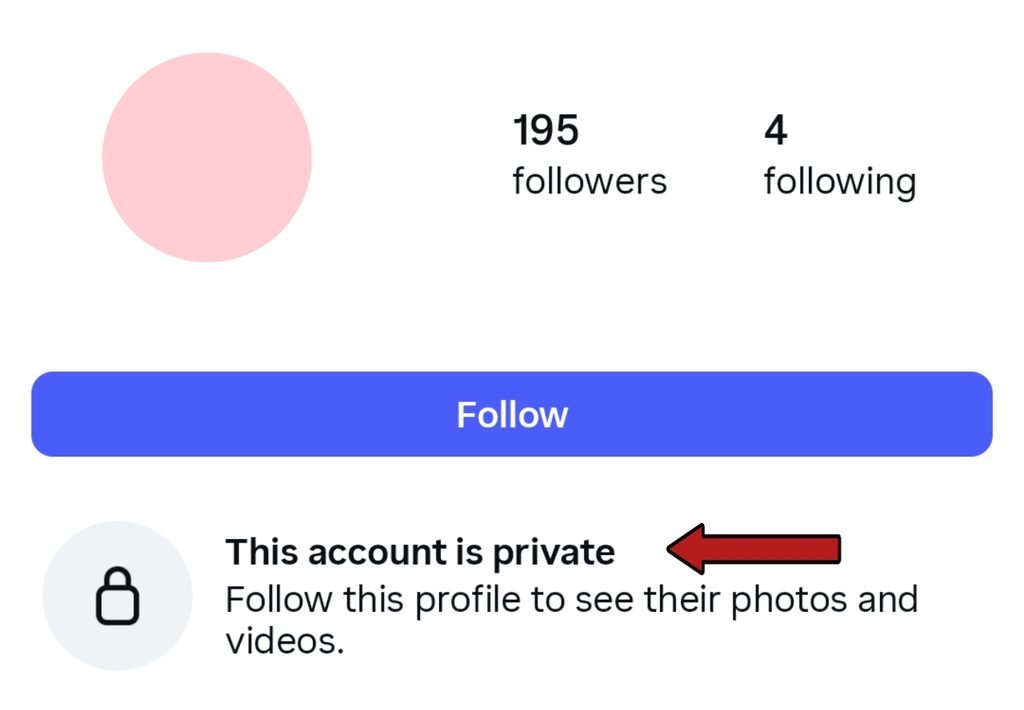
- Private Profile: If the user’s profile is private, you won’t be able to see anything just by opening their profile. First, you have to send them a follow request. If they accept your request, you can then view their entire profile.
Third-Party Apps and Privacy Warnings
Many people end up downloading random third-party apps thinking those applications will reveal a friend’s Instagram activity. That is never the case.
There are no such applications available that can accurately claim to show other people’s activity status. So, stay alert nothing like that actually works. Often, such apps just steal your account login details and fail to do anything else.
Hopefully, you now have a clear idea about how you can see someone’s activity on Instagram. The methods we shared are the best and most legitimate ways to check activity on Instagram, especially now that the app has received so many updates. Beyond these, there simply isn’t anything else you can view.
FAQs
Can I see someone’s activity status if they turned it off?
No, if a user has turned off their “Activity Status“, you won’t be able to see anything. Also, if your own status is turned off, you won’t be able to see anyone else’s status either.
Does Instagram notify someone’s when you check their profile?
No, Instagram does not have a system built in that sends a notification to a user when you look at their profile.
How can I hide my own online activity from others?
Go to your Instagram privacy settings and turn off your Activity Status. After that, no other user will be able to see your activity.