
If the YouTube app is not opening on your Roku device or Roku TV, we will look into this problem today and try to resolve it. Today, we will clear up everything related to the issue of YouTube Does Not Work On Roku.
How to Fix When YouTube Does Not Work on Roku
Verify YouTube Server Status
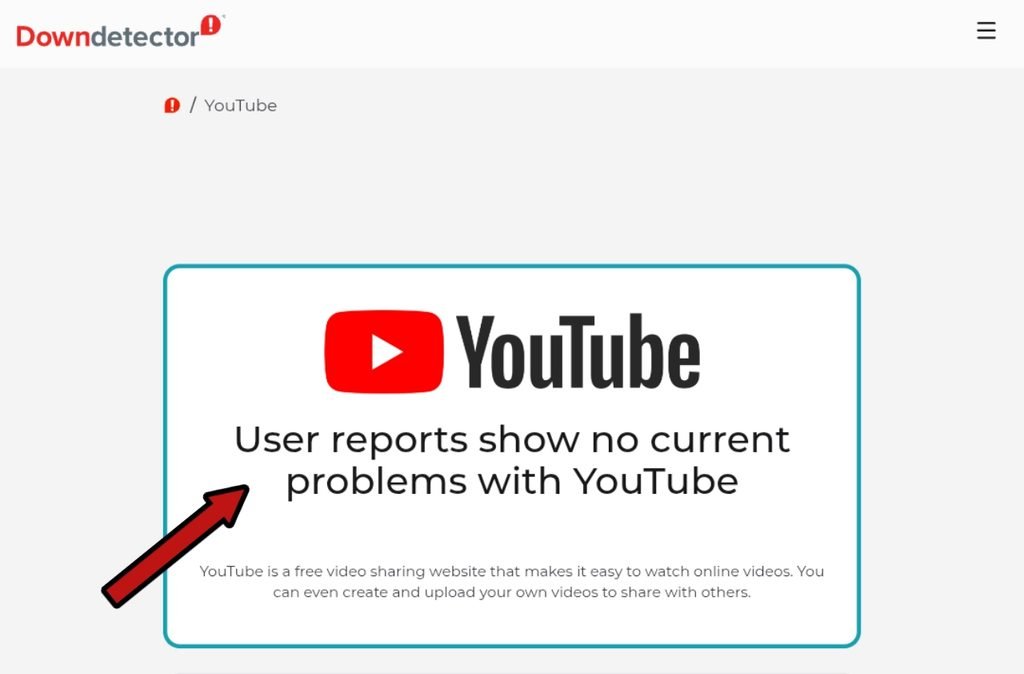
First, we will check if there is an issue with YouTube’s service itself. For this, we will go to the Downdetector website and see if other people are facing the same problem.
- Go to your browser.
- Visit the Downdetector website.
- Search for YouTube there.
Check Internet Connection When YouTube Does Not Work on Roku
After checking the YouTube service, the next step is to see if your internet connection is working properly. If it is weak, unplug your Roku device and plug it back in.
Check The YouTube Application And Roku OS
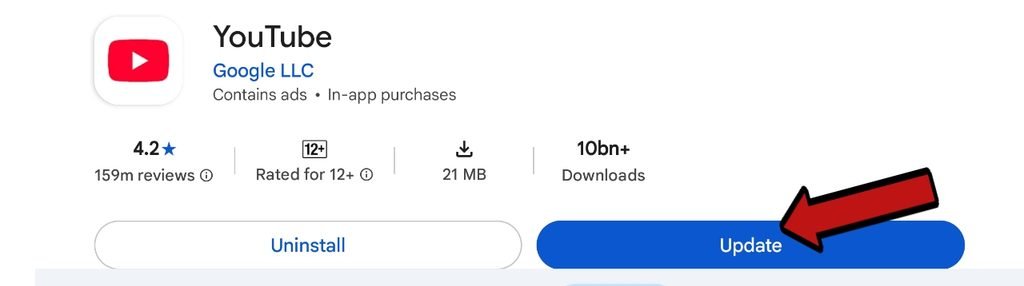
Keeping both the YouTube application and your Roku device updated is very important. If an update is available for either of them, make sure to update it.
How do I update the YouTube application?
Go to your TV device, check the Play Store, and look for YouTube inside it. If an update is available, update it.
How to update the Roku device?
- Go to Settings > System > System Update.
- Click on Check Now.
- If an update is available, let it install.
Restart Your Roku Device
- Press the Home Button on your Roku Remote.
- Go to Settings and click on System.
- Select System Restart and press Restart.
- Now, open YouTube again.
Clear Cache Roku With Remote
- Home Button – Press 5 times
- Up Arrow (↑) – Press 1 time
- Rewind (<<) – Press 2 times
- Fast Forward (>>) – Press 2 times
Now your system will restart automatically. After that, open YouTube again, and this will fix your YouTube Does Not Work on Roku issue.
Guest Account Sign-Out Trick
If none of these methods solved your issue that YouTube does not work on Roku we will share one final trick that will hopefully fix this problem for you.
Go to the YouTube app settings on your Roku, sign out, try running it as a Guest, and then re-link your Google account.
FAQS
Why is YouTube not working on my Roku TV?
This problem includes the YouTube application not being updated, a weak internet connection, or the YouTube service being down.
Will updating my Roku TV fix the YouTube app issues?
Yes, old software updates cause bugs in the Way application.
What should I do if YouTube is down everywhere?
If the YouTube server is down on the Downdetector website, you will have to wait for some time. When YouTube’s system is fixed, your problem will be automatically fixed.