
How to Activate Mobile Data on your phone is super easy. Today, I’ll walk you through the complete process on how to activate mobile data on Android and iPhone.
How to Activate Mobile Data on Android
Quick Settings Panel
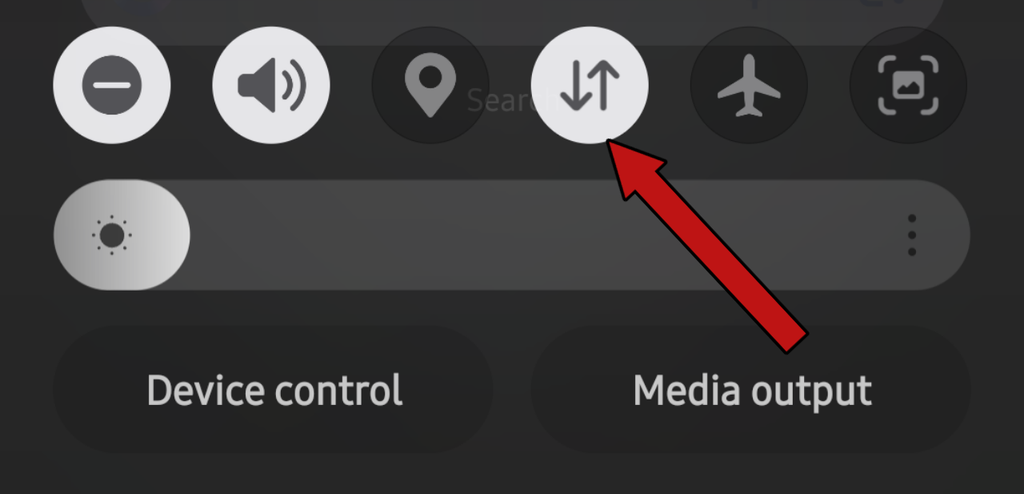
Swipe down from the top of your Android screen to open the notification panel. Look for the Mobile Data icon and tap it to turn your internet data on.
Android Settings
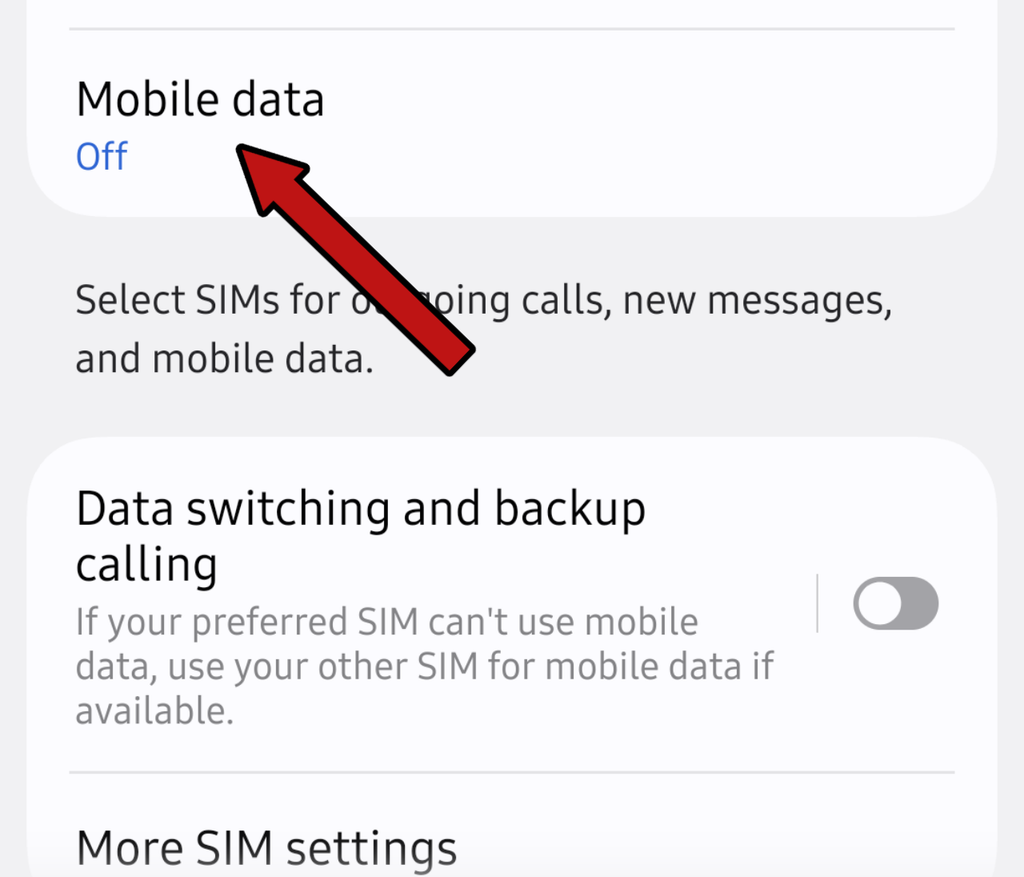
Go to Settings > Network & Internet (or Connections) > Mobile Network > turn Mobile Data ON.
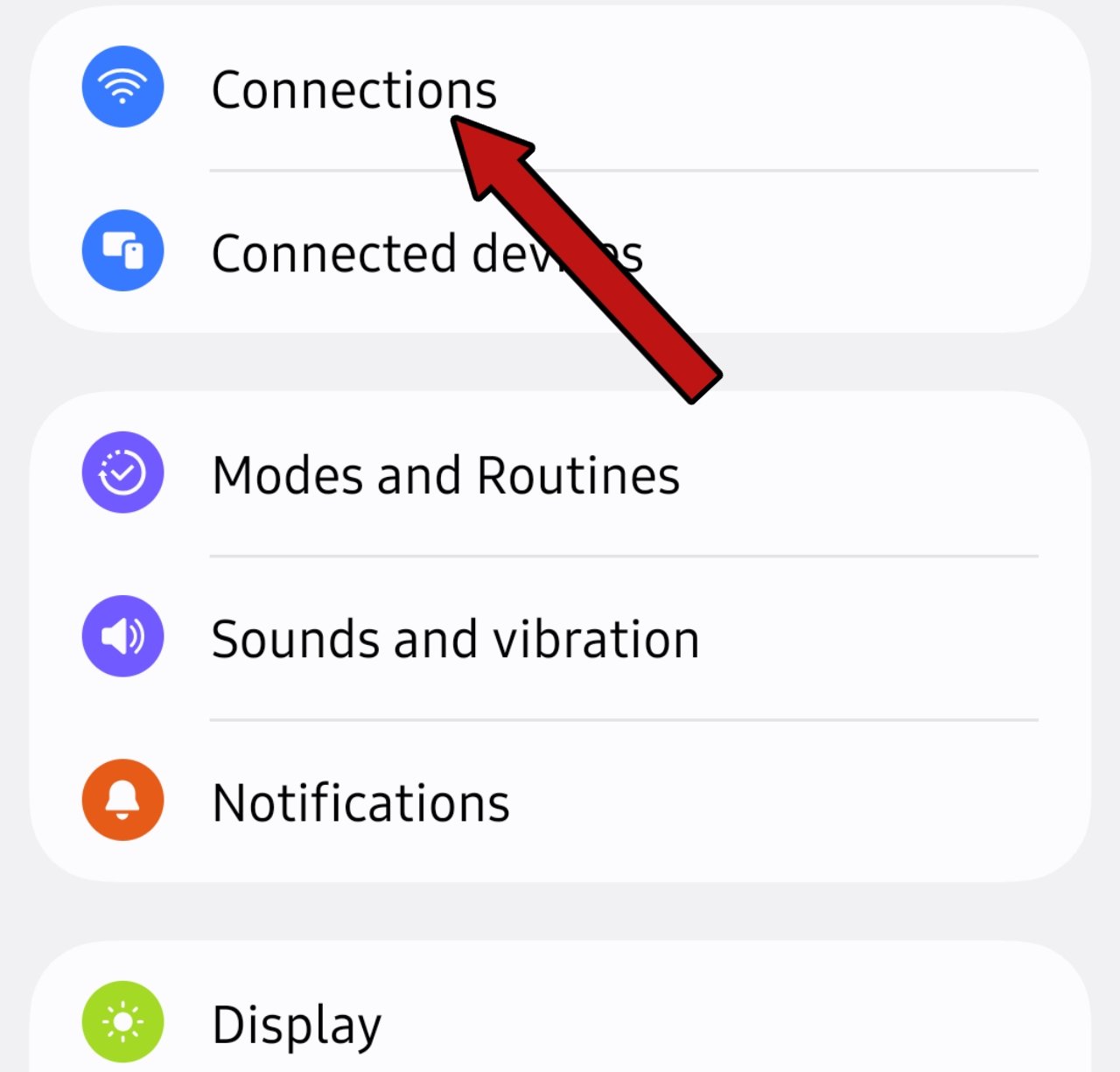
How to Activate Mobile Data on Samsung Galaxy Devices
Using Quick Panel
Swipe down from top > Tap Mobile Data.
Settings > Connections > Data Usage > Turn on Mobile Data.
How to Activate Mobile Data on iPhone (iOS)
To turn it on via Control Center, swipe down from the top-right corner (or swipe up on older models) and tap the Cellular/Antenna icon to turn it green.
Through iPhone Settings: Open Settings > Cellular (or Mobile Data) > Toggle Cellular Data ON.
Why Is My Mobile Data Not Working? Sumsung / IPhone
If your mobile internet still doesn’t turn on after trying these steps, don’t worry.
First, make sure you have an active data package or main balance on your SIM card. If you have data available, turn on Airplane Mode for 15 seconds and then turn it off again.
Next, open your phone’s settings and try resetting your APN settings. After doing that, restart your mobile device.
Check Data Limit / Data Saver
Another common issue occurs when you have active SIM data and your phone even shows a 4G or 5G icon, but the internet still doesn’t work.
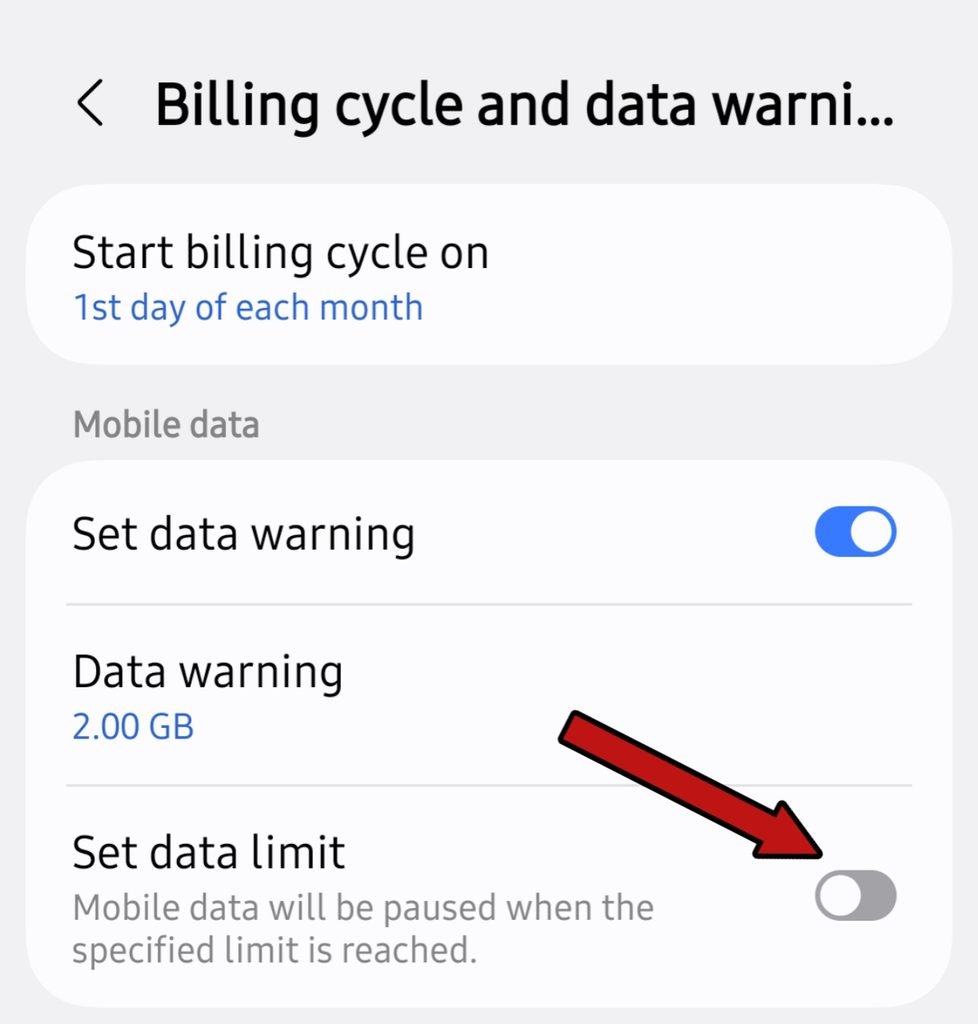
This usually happens because a data limit is set on your phone. To check or remove it, go to your main phone Settings, search for Data Limit, and turn it off if it’s active. This will fix your issue How to Activate Mobile Data.
Network Type Settings (5G / 4G / LTE Selection)
Go to your phone settings and look for Preferred Network Type. From this option, you can easily select 4G or 5G.
FAQs (Frequently Asked Questions)
Is there any other way to activate mobile data besides these steps?
One of these methods will definitely turn on your mobile data. If it still doesn’t work, leave a comment below this post, and we’ll help you fix it.
Why is my mobile data not showing up?
There could be several reasons, but the most common ones are having no active data/balance on your SIM card or leaving Airplane Mode switched ON.
Can I connect to Wi-Fi if my mobile data won’t turn on?
Yes, even if your mobile data isn’t working, you can still connect to any available Wi-Fi network.