
TikTok is a hugely popular social media apps but users frequently run into loading issues. If you are wondering Why Won’t TikTok Load? Several different factors could be behind it. Here is everything you need to know about what causes this problem and how to fix it.
Common Reasons Why Won’t TikTok Load
- Internet Connection Issues
- Server Outages
- Outdated App Version
- App Cache Overflow
Internet Connection Issues
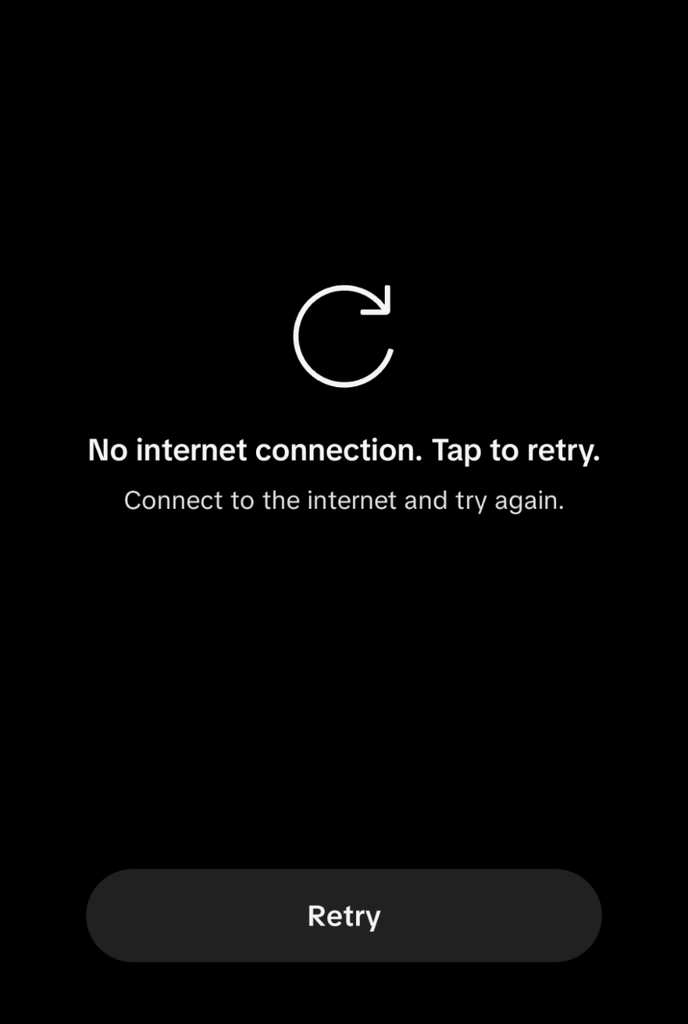
Weak Wi-Fi or mobile data signals are the most common reason you encounter the why won’t TikTok load issue. Check your internet connection before opening TikTok.
Server Outages
When TikTok’s own servers run slow or go down, the app stops working properly. You can easily check if the issue is coming from TikTok’s end.
Outdated App Version
The third common cause is using an outdated version of the TikTok app. This is a very frequent reason for loading failures.
App Cache Overflow
Accumulated cache data inside the application often causes TikTok to stop loading smoothly.
How to Fix Why Won’t TikTok Load Issue
Here is how you can resolve the why won’t TikTok load problem step by step.
First, address your internet connection, whether you are using Wi-Fi or mobile data. Turn off your internet connection for 10 to 15 seconds and turn on Airplane Mode.
Now, switch it back on. This refreshes your internet data connection and usually solves the loading glitch.
Check If TikTok Servers Are Down
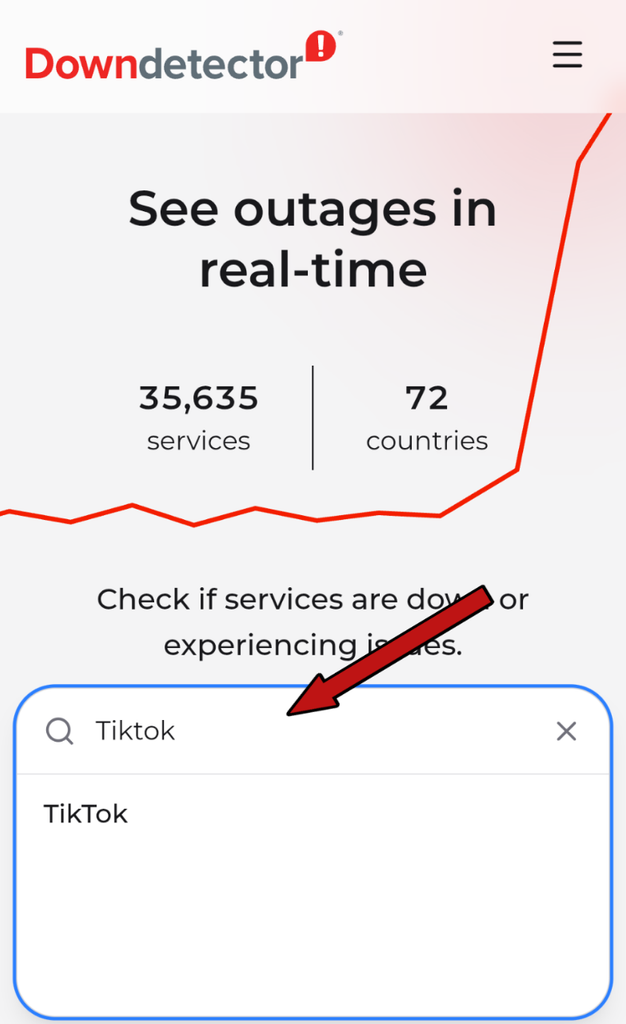
You can manually check if TikTok’s servers are down by visiting DownDetector on your browser:
- Open your browser.
- Go to the DownDetector website.
- Type “TikTok” into the search bar and check the server status.
Update the TikTok Application
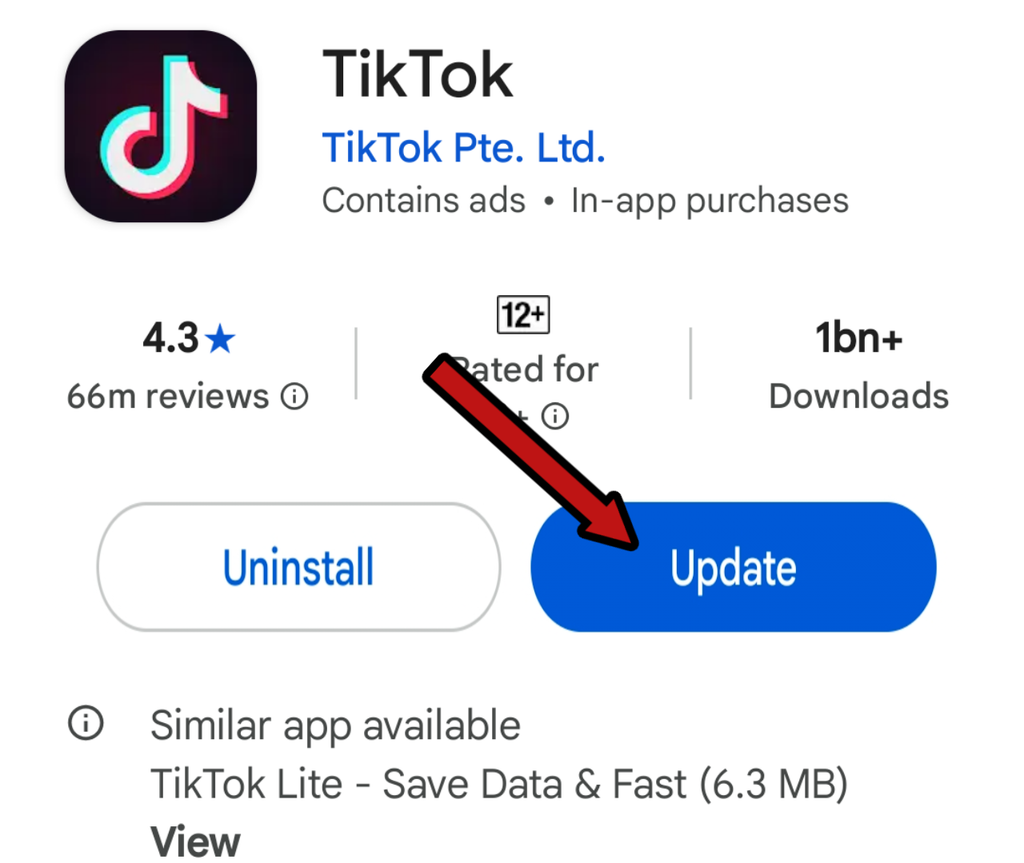
Go to your phone’s app store and update the TikTok app. Once the update completes, reopen the app. This simple step frequently fixes the loading issue.
Final Solution: Restart Your Phone
If you checked your internet, app updates, and server status, but the why won’t TikTok load error persists, restart your phone.Turning your device off and on clears background issues and helps apps run smoothly again.
Frequently Asked Questions
Why is my TikTok showing a black screen?
This usually happens when accumulated cache data creates temporary app bugs, resulting in a black screen.
Will reinstalling TikTok delete my videos?
No, reinstalling the app will not delete your uploaded videos; they remain completely safe on your account.