
Have you ever faced the issue where your mobile phone (Android / iPhone) hangs or freezes whenever you are using apps like WhatsApp, Facebook, or YouTube etc ? So, today I will guide you why does my phone keep freezing
If you are dealing with this problem, today I will share 6 methods to help you fix it easily, without needing to buy a new phone.
Your phone is good don’t worry, there are just a few technical issues that we will cover today to get your device working properly again.
Main Reasons Why Does My Phone Keep Freezing
- Low Internal Storage Space: If your phone’s memory is more than 80% full, it can cause the device to hang.
- Outdated System Software : If your Android or iPhone software is not updated, this issue can occur.
- Overheating Issues: If you use your phone heavily or open too many apps at once, your device can freeze or lag.
6 Best Ways to Fix a Freezing Phone
Follow the steps below, and hopefully, your phone will work fine
1: Perform a Force Restart
- Android Users: Press and hold the power button and volume down button for 10 to 15 seconds. This will restart your mobile.
- iPhone Users: Press and release the volume up button, then press and release the volume down button. After that, press and hold the power button until the Apple logo appears.
2: Close Unnecessary Background Apps
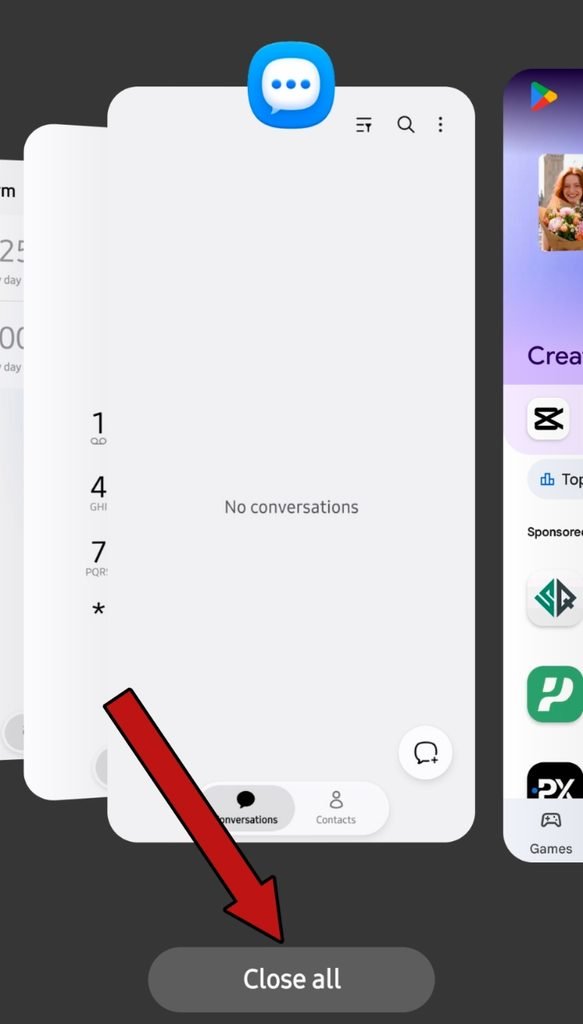
Go to your recent screens and tap “Clear All” to close all the apps running in the background.
3: Free Up Phone Internal Memory
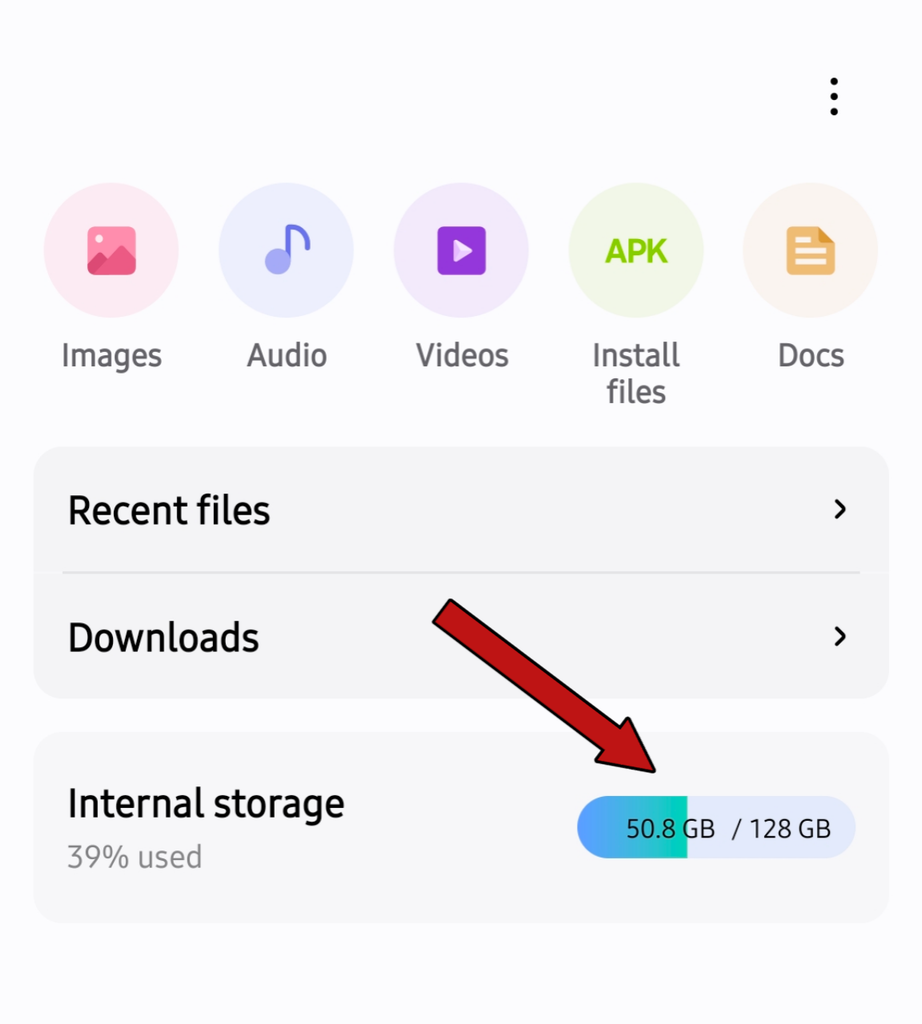
Go to your phone gallery and delete unused photos, videos, or unwanted apps. Keep at least 15% to 20% of your memory free so your phone runs smoothly without freezing.
4: Update System Software and Applications
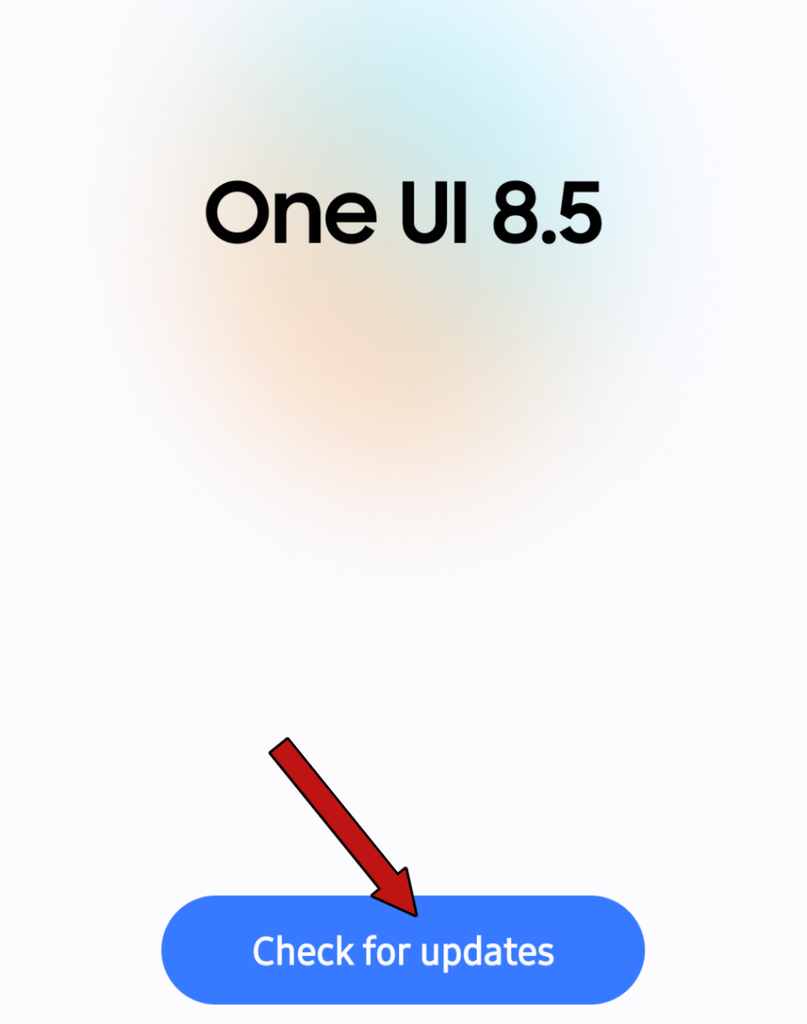
- System Update: Go to Settings > System Update and check for the latest OS update.
- App Update: Go to the Google Play Store or App Store and update all applications that require an update.
5: Device Overheating
Whenever a phone overheats, the processor slows down to protect the hardware.
Avoid using your phone directly under heavy sunlight. If you are playing heavy games, remove the mobile cover while playing.
6: Perform a Factory Data Reset
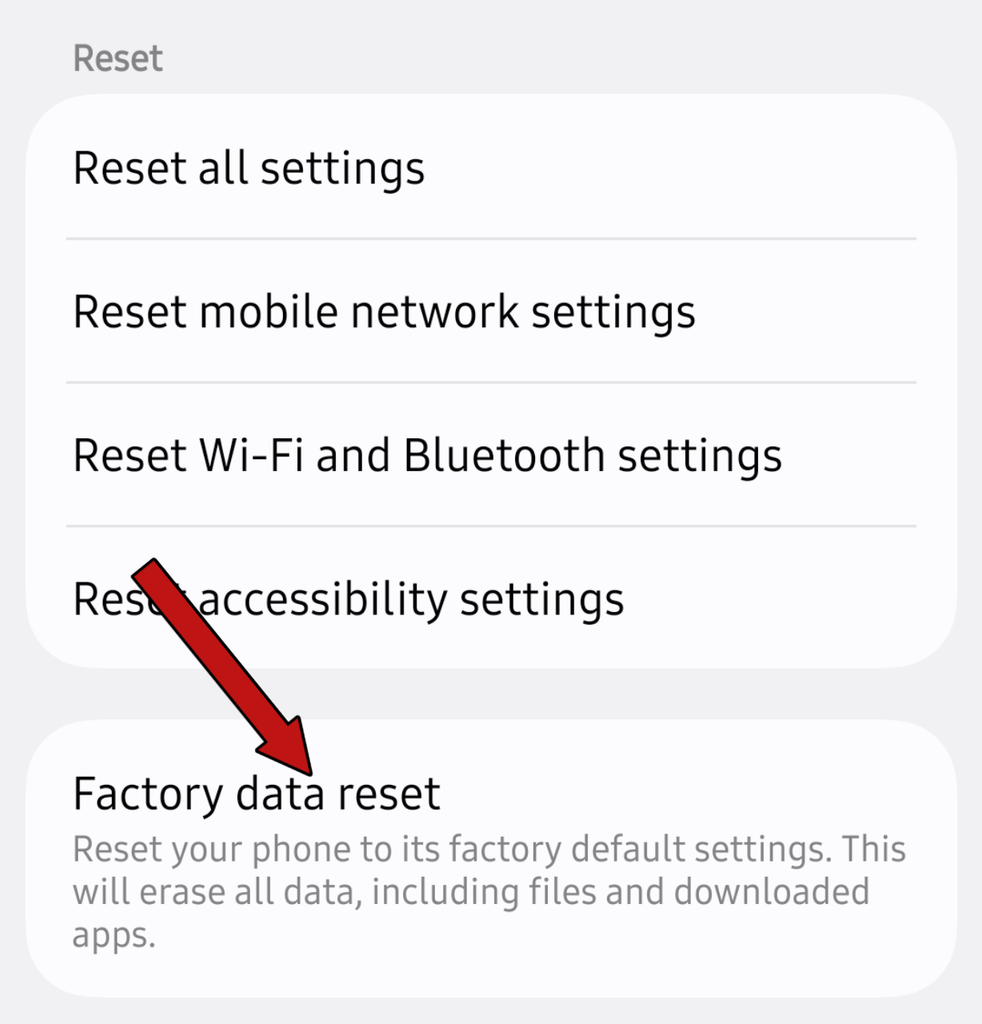
If none of these methods solve your issue, as a last option, reset your phone to factory settings.
Before doing a factory data reset, make sure to note down or back up all your essential files, photos, videos, and Gmail accounts.
- Go to Settings > General Management / System > Reset > Factory Data Reset and tap to proceed.
After resetting, your phone will restart like new, feeling much faster and lighter to use.
FAQS
Does low storage cause a phone to freeze?
Yes, storage can freeze or hang a mobile phone.
Will a factory reset fix a freezing phone?
Yes, factory reset fixes 98% of phone freezes and hangs.
Did This Fix Your Phone?
I hope your issue has been resolved. If your phone still hangs or freezes after following all these steps, leave a comment below so our team can help solve your problem.